Getting Started
Prerequisites
Python 3.9 or newer (3.12 recommended)
Conda (recommended) or pip
HDF5 accelerometry files
Installation
From PyPI
The package is published on PyPI as accelerometry-annotator:
pip install accelerometry-annotator
From source
# Clone the repository
git clone git@github.com:TavoloPerUno/py_visualize_accelerometry.git
cd py_visualize_accelerometry

# Create and activate conda environment
conda create -n panel_app python=3.12
conda activate panel_app

# Install dependencies
pip install -r requirements.txt
Data setup
Place your HDF5 accelerometry files (.h5) in:
visualize_accelerometry/data/readings/
Each file must contain a readings table with columns: timestamp, x, y, z.
Credentials
Create a credentials.json file in the project root:
{
    "annotator1": "password1",
    "annotator2": "password2",
    "admin_user": "adminpass"
}
See credentials.json.example for a template.
Running the app
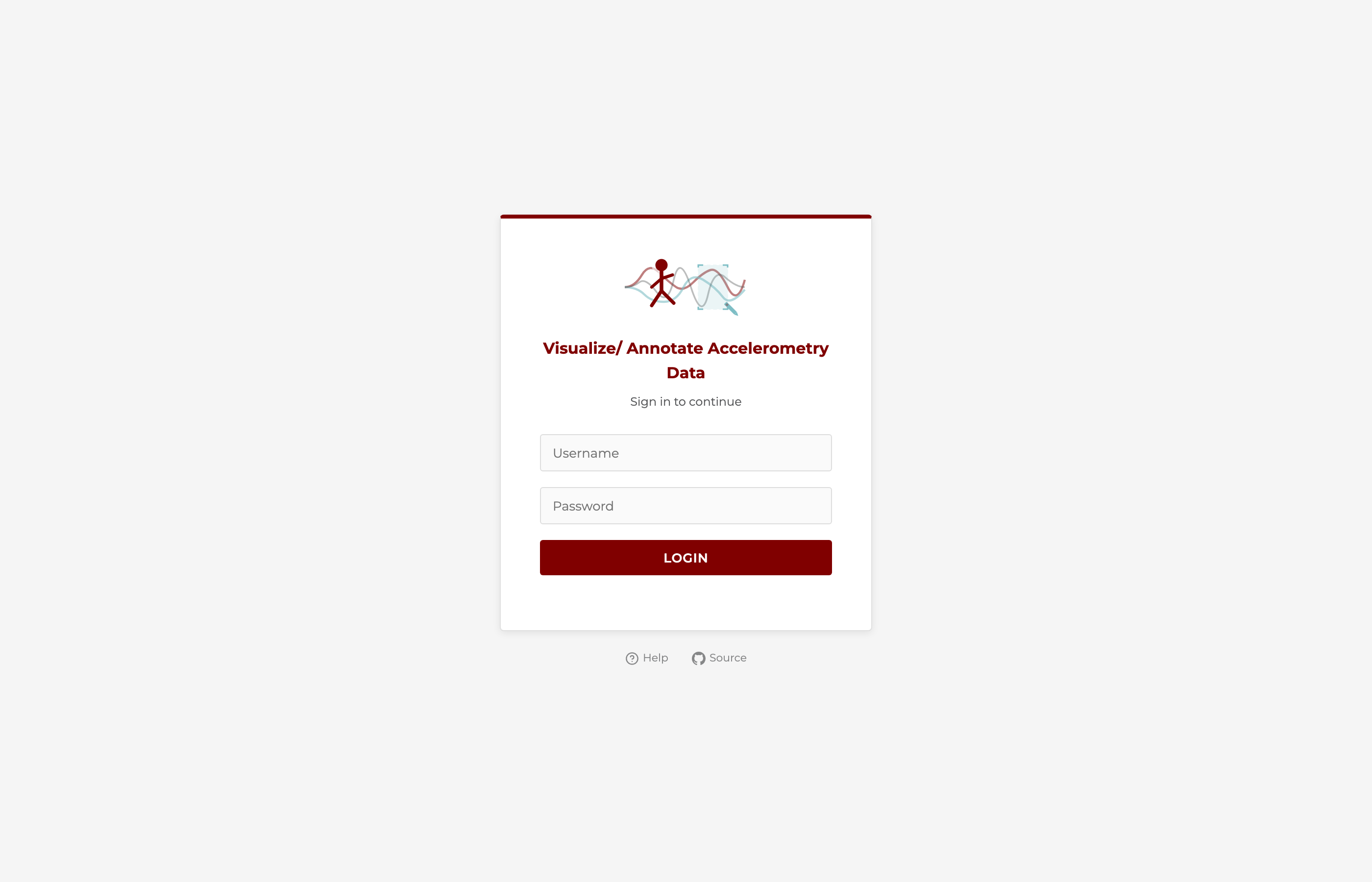
Once the app is running you’ll see the login page:
Local development
panel serve visualize_accelerometry/app.py \
    --port 5601 \
    --basic-auth credentials.json \
    --cookie-secret $(python -c "import secrets; print(secrets.token_hex(32))") \
    --allow-websocket-origin localhost:5601 \
    --basic-login-template visualize_accelerometry/templates/login.html
Open http://localhost:5601/app in your browser.
HPC (SLURM cluster)
For a university SLURM cluster (e.g. Randi at UChicago), run the self-service connect script. It checks for an existing server, starts one if needed, and creates the SSH tunnel:
bash hpc_utils/connect.sh
See Shared server startup for usage and Slurm deployment guide for the full setup.